Bagpipe Tune Writer
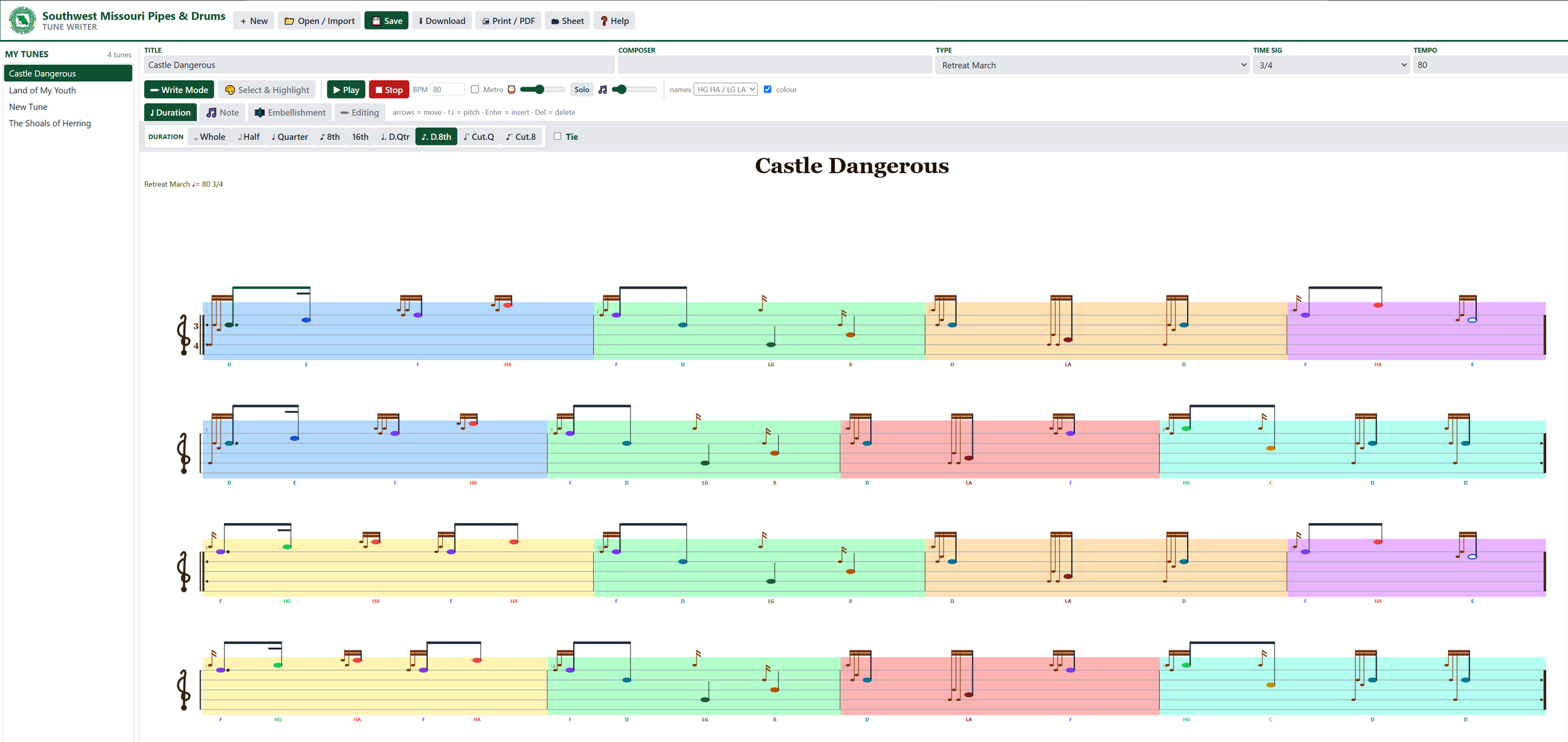
Write, play and print Great Highland Bagpipe music on your own computer. It’s free, and there’s nothing to install.
Getting started: Download the file, then double-click it to open it in your web browser (Chrome or Edge work best).
Writing music: Click a note on the staff to select it. Change the pitch with the ↑ ↓ arrow keys or by dragging the note, and move between notes with ← →. Use the tabs above the staff to pick note lengths and add gracenotes, doublings, taorluaths and other embellishments. Press ▶ Play to hear your tune.
Saving: Press 💾 Save to save the tune to your computer. Tunes not yet saved show an orange ● and a “Not saved to your computer” button, and you’ll get a warning if you try to close the window first.
Opening your tunes: Press 📂 Open and choose your saved tune file, or drag the file onto the page. It also opens .bww files from Bagpipe Music Writer.
Getting tunes into the Tune Writer
Download a tune: click any tune button on the left. The tune saves to your computer as a .pipetune file, usually in your Downloads folder.
Open the Tune Writer: double-click BagpipeTuneWriter.html to open it in your web browser.
Import the tune: click 📂 Open, choose the .pipetune file and click Open. Or drag the file straight onto the Tune Writer window.
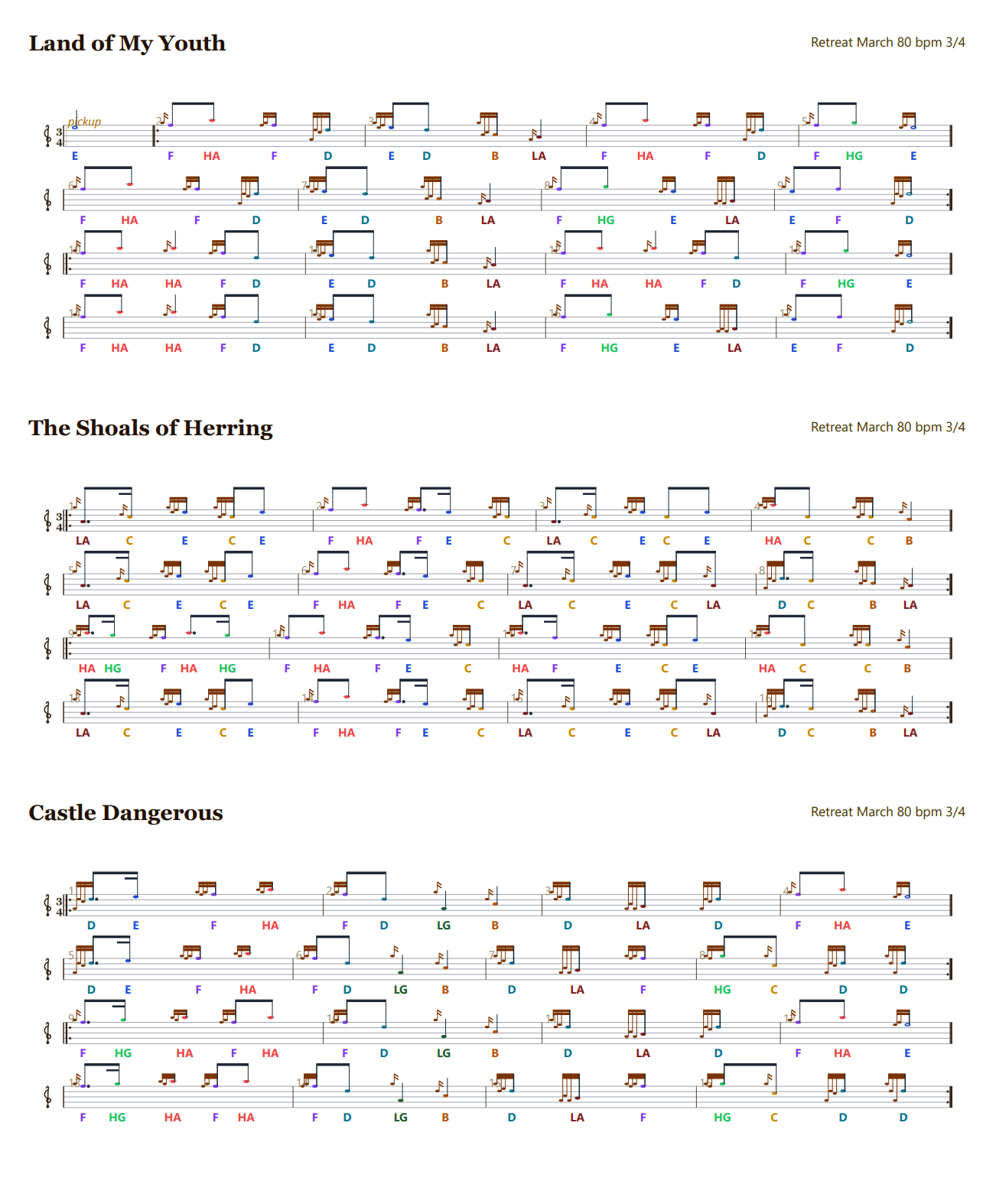
The tune opens on the staff, ready to play, edit or print. It’s also added to the My Tunes list on the left, so it’ll still be there next time. If you import several tunes at once, double-click one in the list to open it.